Smart TV OS
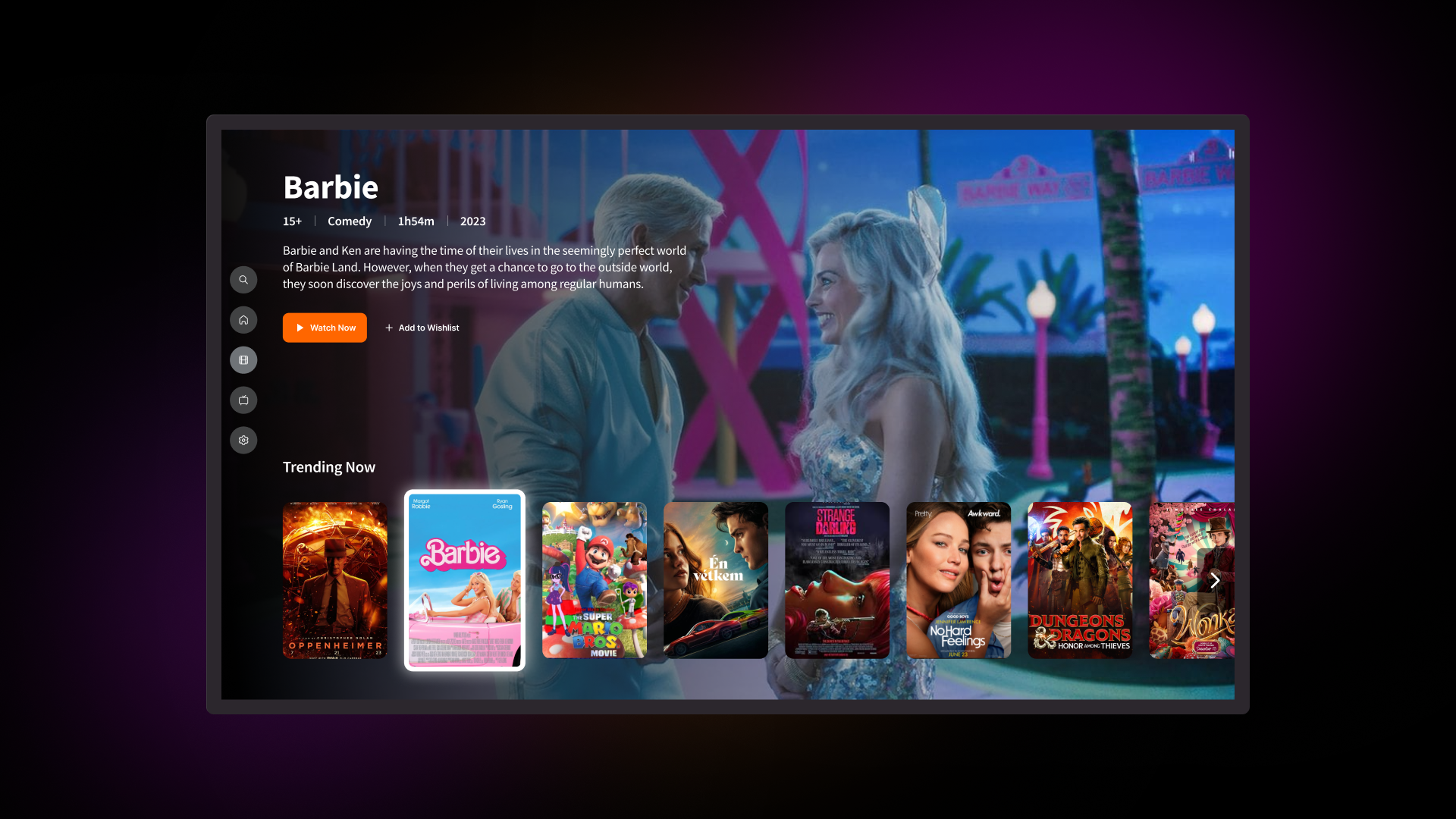
The goal of the Smart TV OS Design project was to create a user-friendly and visually appealing interface for a smart TV operating system with physical remote control. The aim was to develop an intuitive navigation system and visually engaging design that simplifies content discovery and improves overall user satisfaction.
Overview
This project aimed to design an intuitive and immersive smart TV interface operated via remote control. The goal was to enable users to easily manage their content, preferences, and viewing data, ultimately delivering a more convenient and personalized TV experience.
As the UI designer, I was responsible for building a consistent visual system across key screens such as the home dashboard, channel guide, content detail pages, and viewing reports. I worked closely with the UX designer to ensure seamless navigation through remote-based interactions and crafted layouts that aligned with user expectations and the unique context of TV screens.
Through this project, I enhanced usability by establishing clear visual hierarchy and consistency, while also exploring effective design solutions within the constraints of limited input methods.
Client
TVee
Duration
4weeks
Tools
Figma
Platform
TV
Background
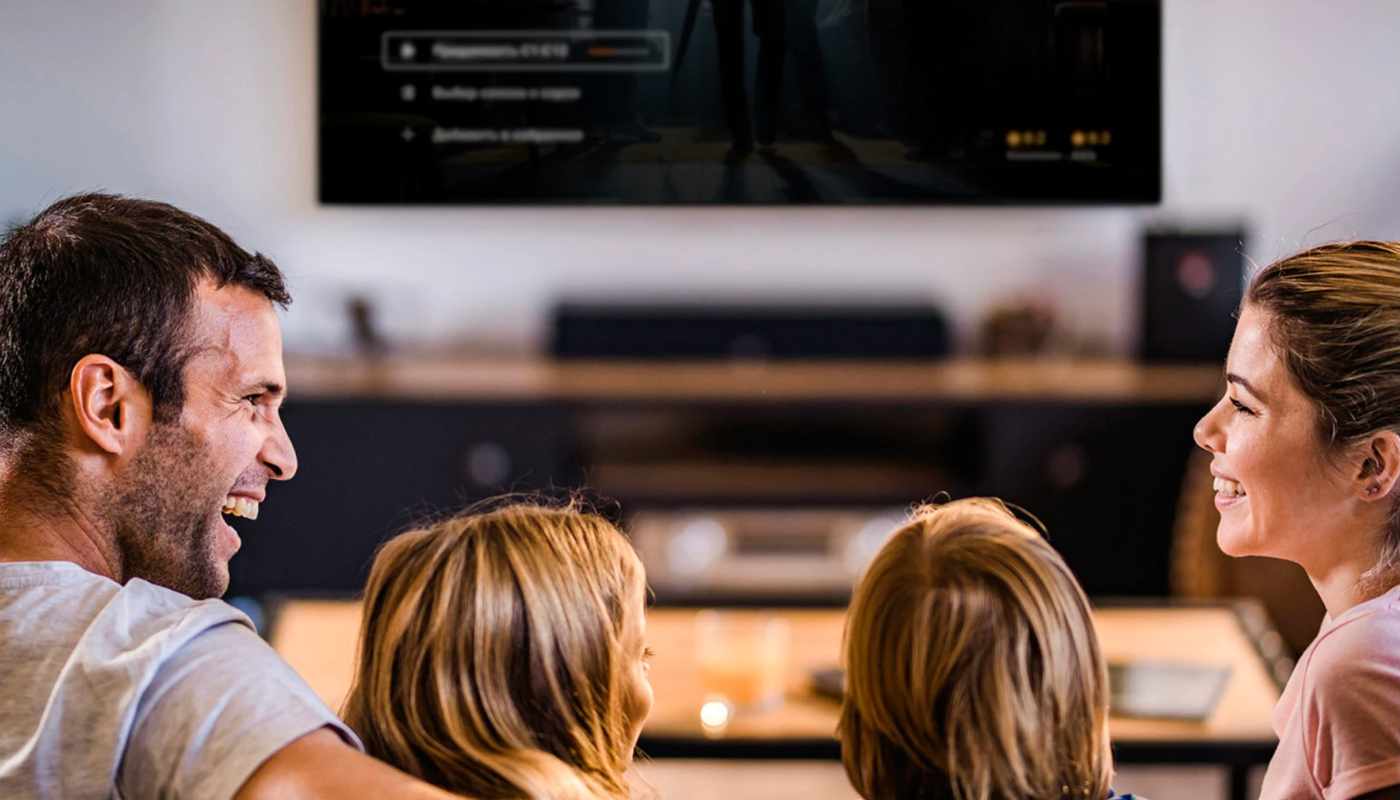
❗️Problem
Physical Remote Control
Users face difficulties when using physical remote controls. Limited button layouts make it challenging to perform actions like adjusting settings, or accessing menus quickly and efficiently
Content Hierarchy Leading Users to Get Lost
Deep and convoluted content hierarchies make it difficult to find what users are looking for. Without clear signposting and logical progression, users easily become disoriented.
✅ Solution
Grid-aligned Control Layout
I designed a grid-aligned interface that simplifies navigation using physical remote controls. Users can easily move up, down, left, and right, with clear visual feedback for each action.
Combined Pages to Reduce Hierarchy
I reorganized the information architecture by merging content and catalog pages, creating a more streamlined user journey. This approach minimizes the number of screens users need to navigate, reducing the likelihood of them getting lost.
Design System
Before moving into high-fidelity design, I created low-fidelity wireframes to explore ways to simplify the ordering experience and reduce user hesitation.
Final Result
Ecosystem
We successfully built a seamless ecosystem that ensures a consistent user experience across multiple platforms. Regardless of whether users switch between phones, tablets, web, desktop, TV, or TV boxes, their viewing history, preferences, and interactions are preserved.
This allows for a smooth transition between devices while maintaining familiar navigation patterns and uninterrupted access to

Impact & Conclusion
The redesigned smart TV interface contributed to a more intuitive and user-friendly viewing experience, especially within the limitations of remote-based control. By applying a consistent visual language and simplifying complex navigation flows, we reduced cognitive load and made key features—such as content discovery and usage insights—more accessible and engaging for everyday users.
One of the most valuable challenges was translating limited input methods into clear and efficient UI patterns. This pushed me to think critically about visual hierarchy, spatial layout, and user focus at every stage of the design. Working closely with the UX and product teams, I was able to deliver an interface that not only met user expectations but also laid the groundwork for a scalable smart home design system.
This project deepened my understanding of designing for non-touch environments and reaffirmed the impact thoughtful UI design can have on both usability and user satisfaction.
Other Works
-
![]()
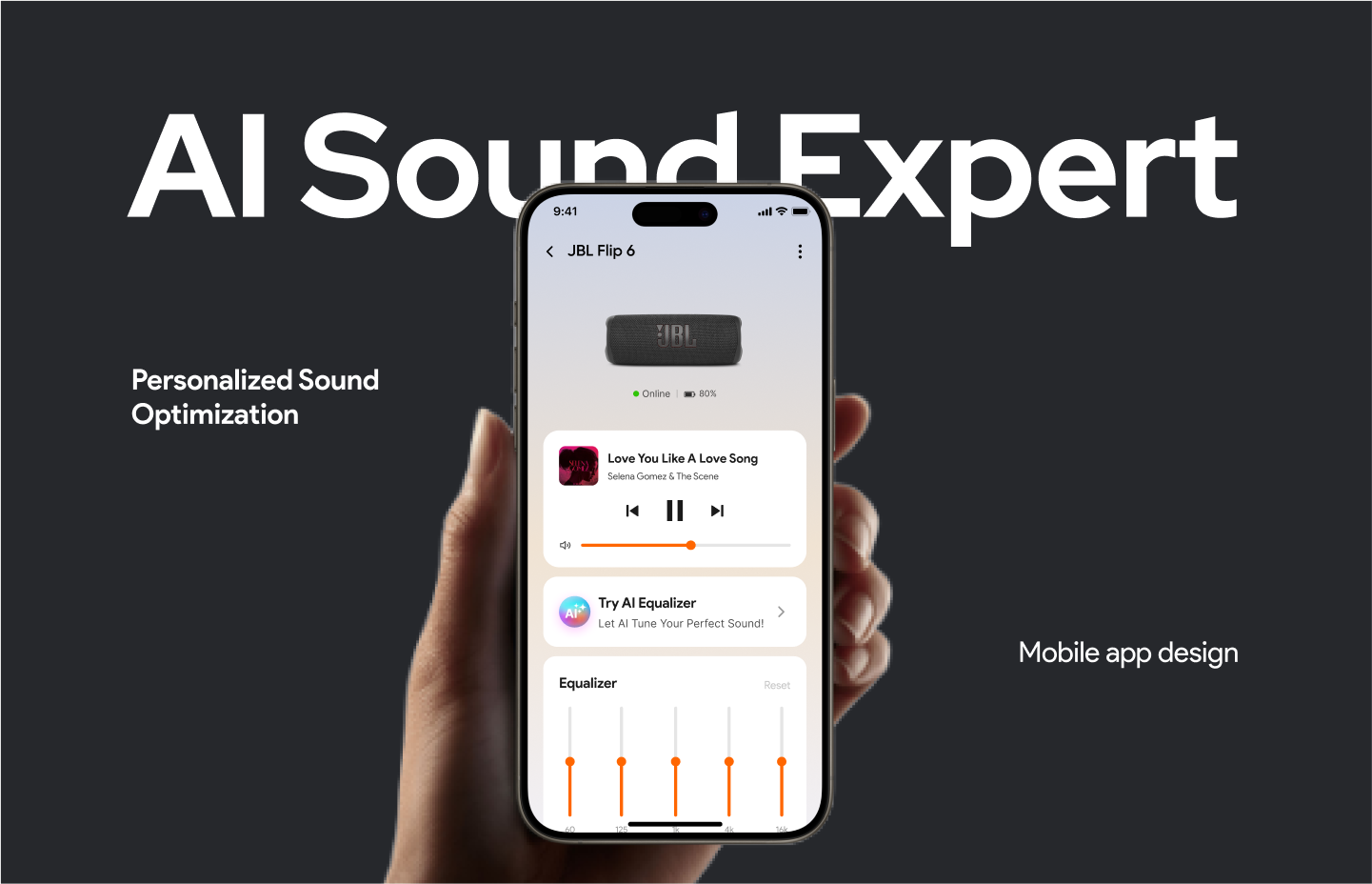
AI Sound Expert
-
![]()
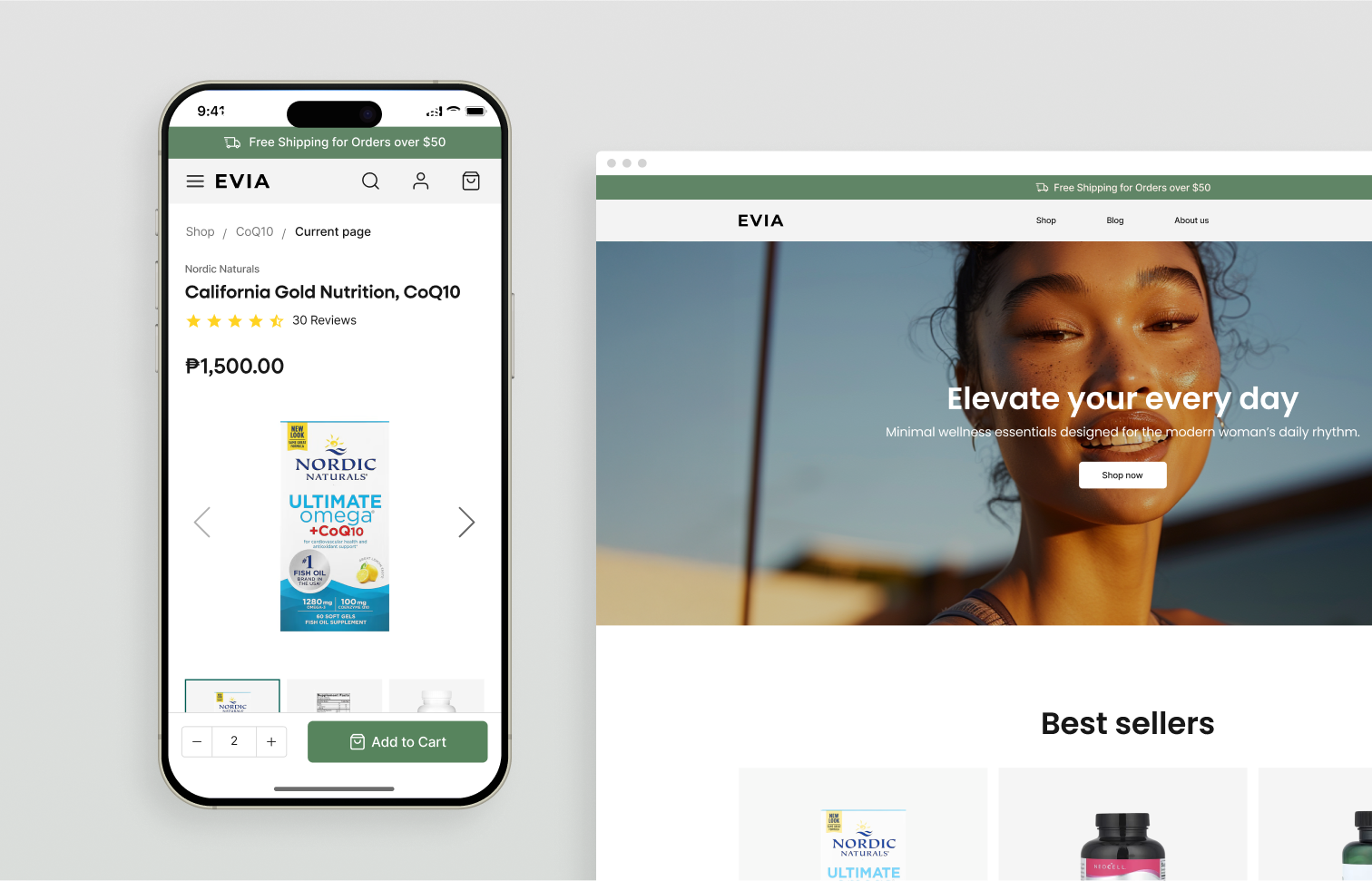
Wellness Shopping with Rewards
-
![]()
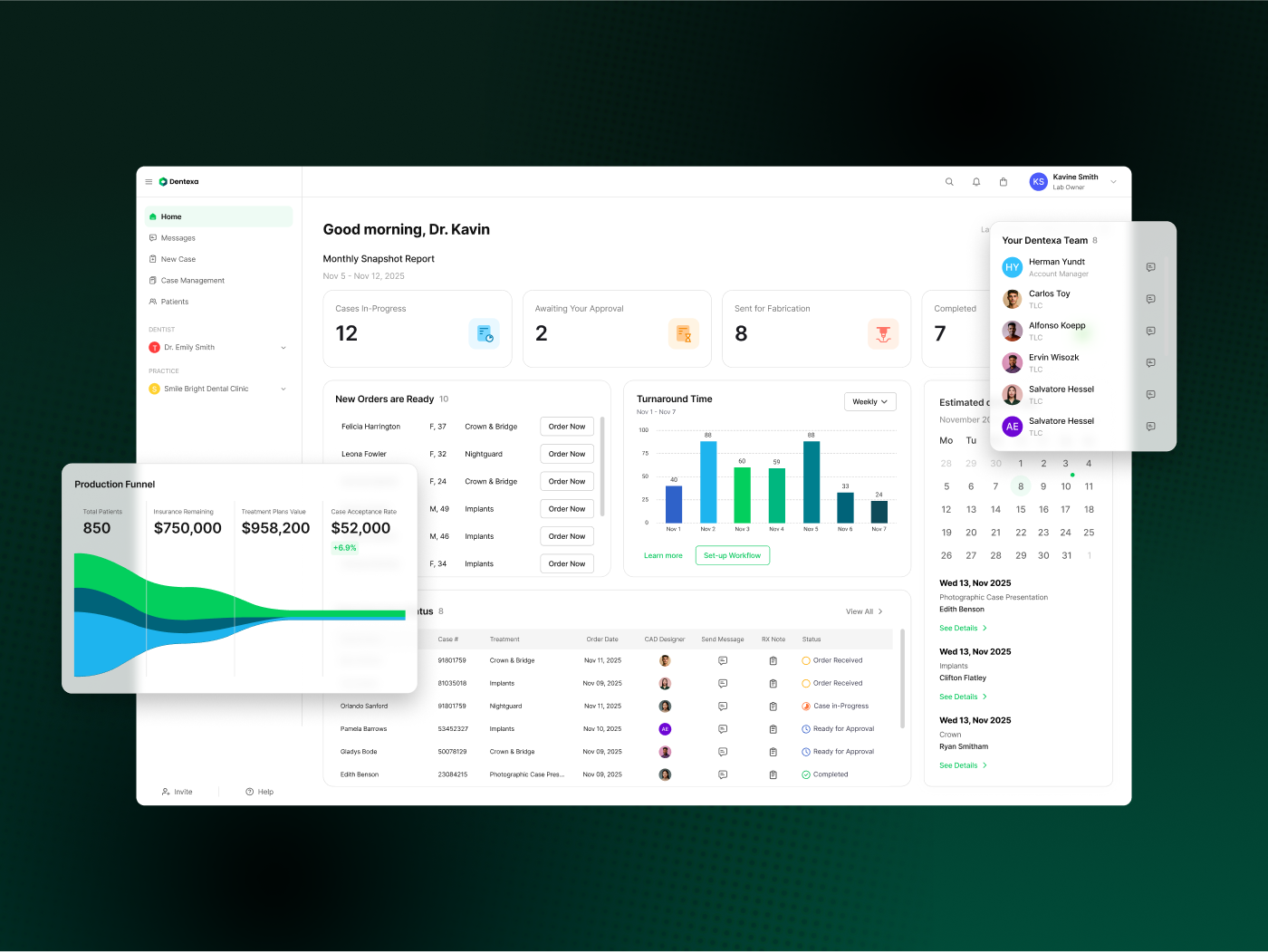
Improving Complex Ordering Flows
-
![]()
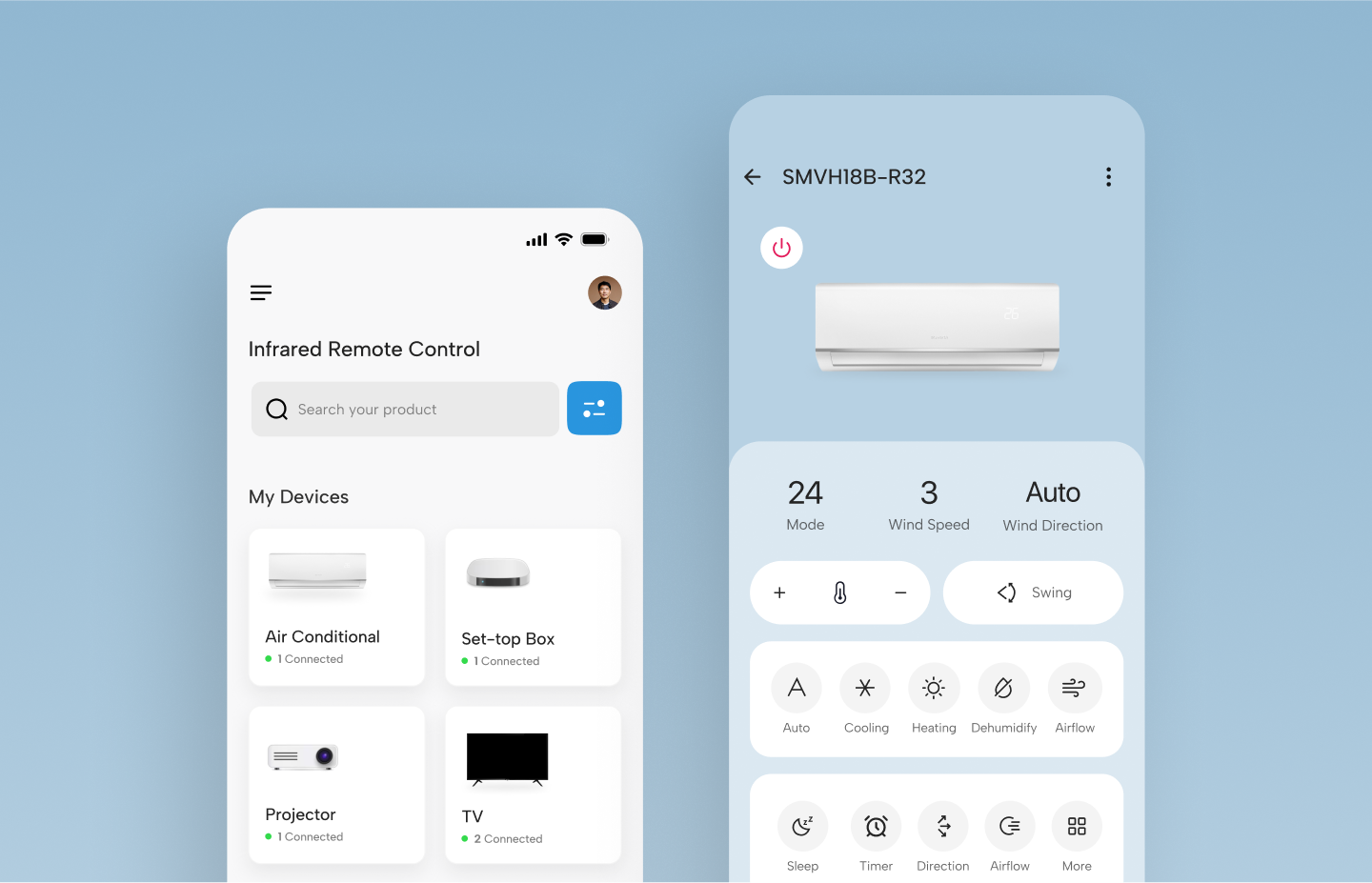
Smart Home Remote Control